Site Management
Welcome to the NexaWP Manager documentation. Find all the answers to your questions here.
NexaWP Manager provides you with a comprehensive suite of tools to efficiently manage all aspects of your WordPress sites. Discover how to use each feature to optimize your workflow.
Table of Contents
Plugin Management
Manage all your WordPress plugins from a centralized dashboard. Update, activate, deactivate or delete plugins with just a few clicks.
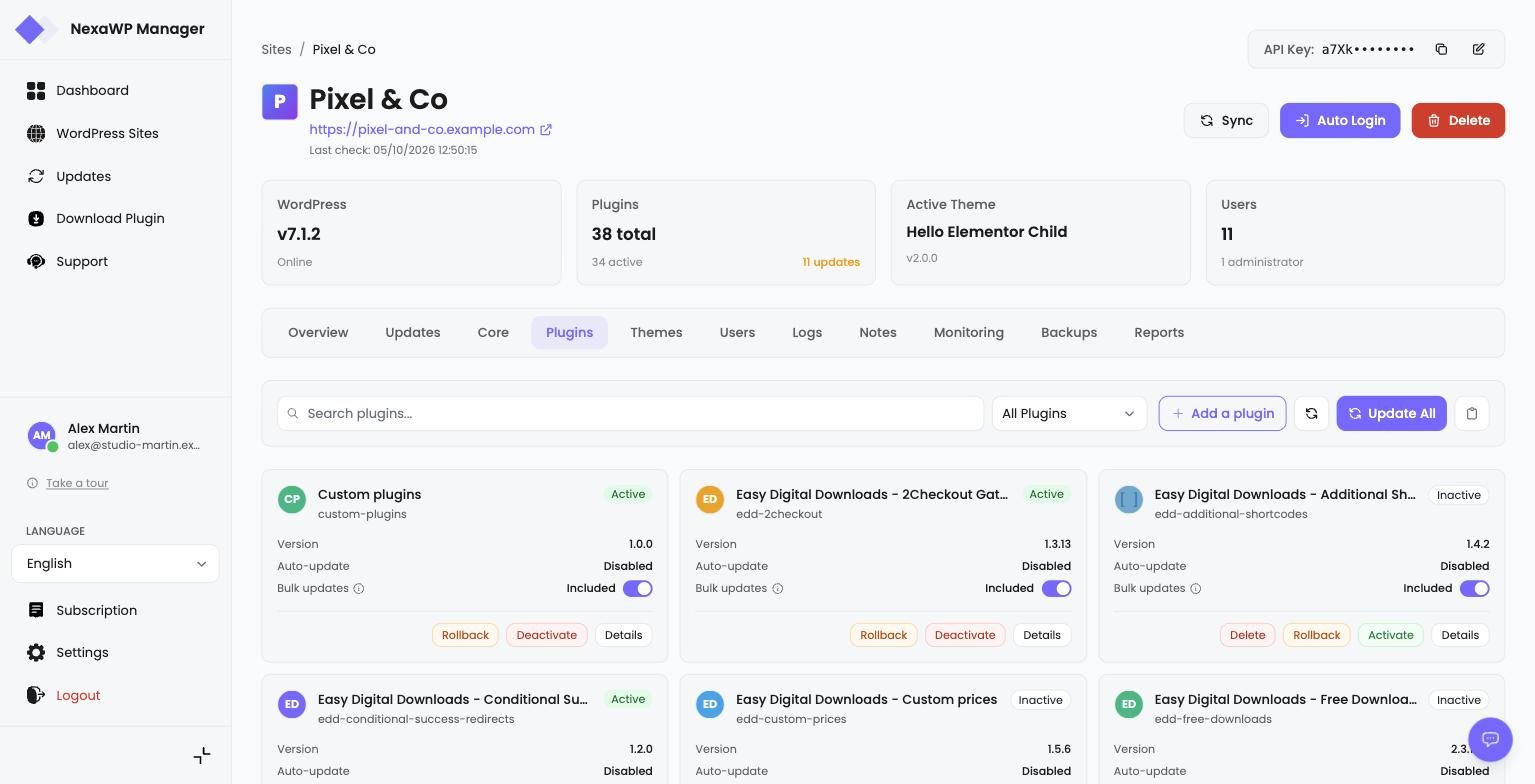
Screenshot - Plugin management
Theme Management
Manage WordPress themes installed on your sites. Activate, update or delete themes easily.
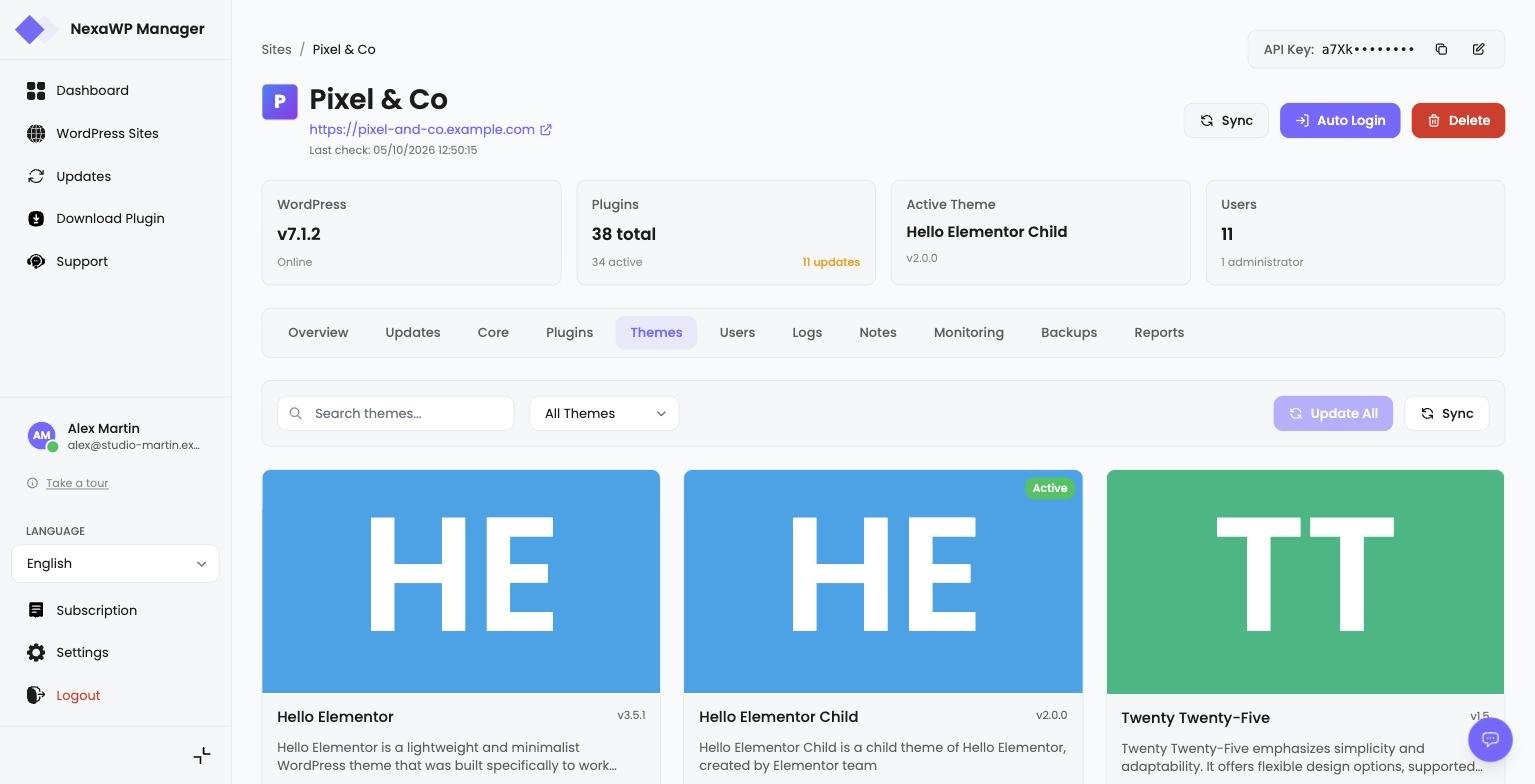
Screenshot - Theme management
WordPress Core Management
Keep your WordPress installation up to date with the latest features and security fixes.
Automatic Updates
Enable or disable automatic WordPress core updates. You can configure major and minor updates separately according to your preferences.
Manual Update
Manually update WordPress to the latest version by clicking the dedicated button. This process may take several minutes.
Debug Mode
Enable or disable WP_DEBUG mode to diagnose issues. Useful for development and troubleshooting.
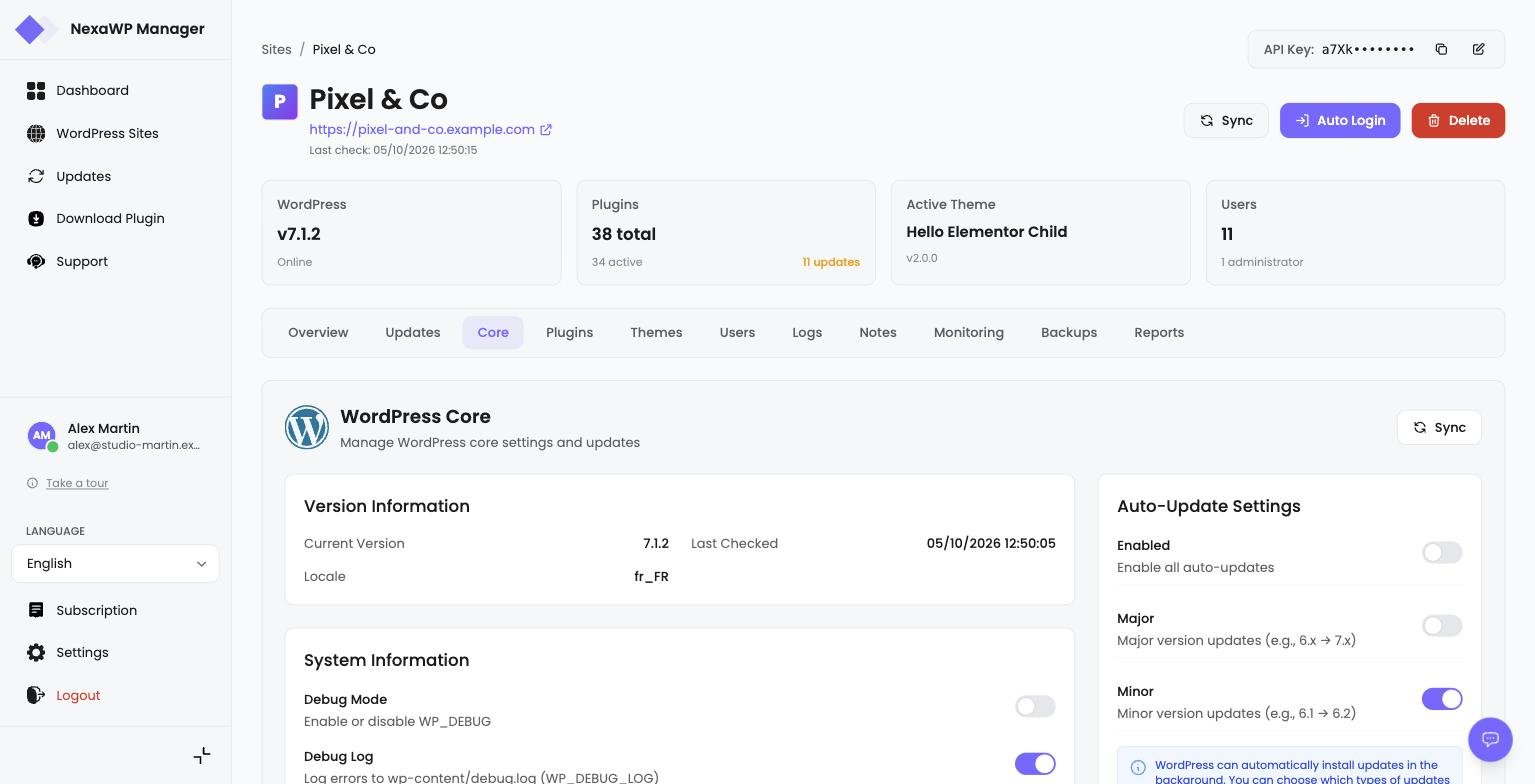
Screenshot - WordPress core management
User Management
Manage WordPress users for each site directly from NexaWP Manager. Create, edit or delete user accounts without logging into each site.
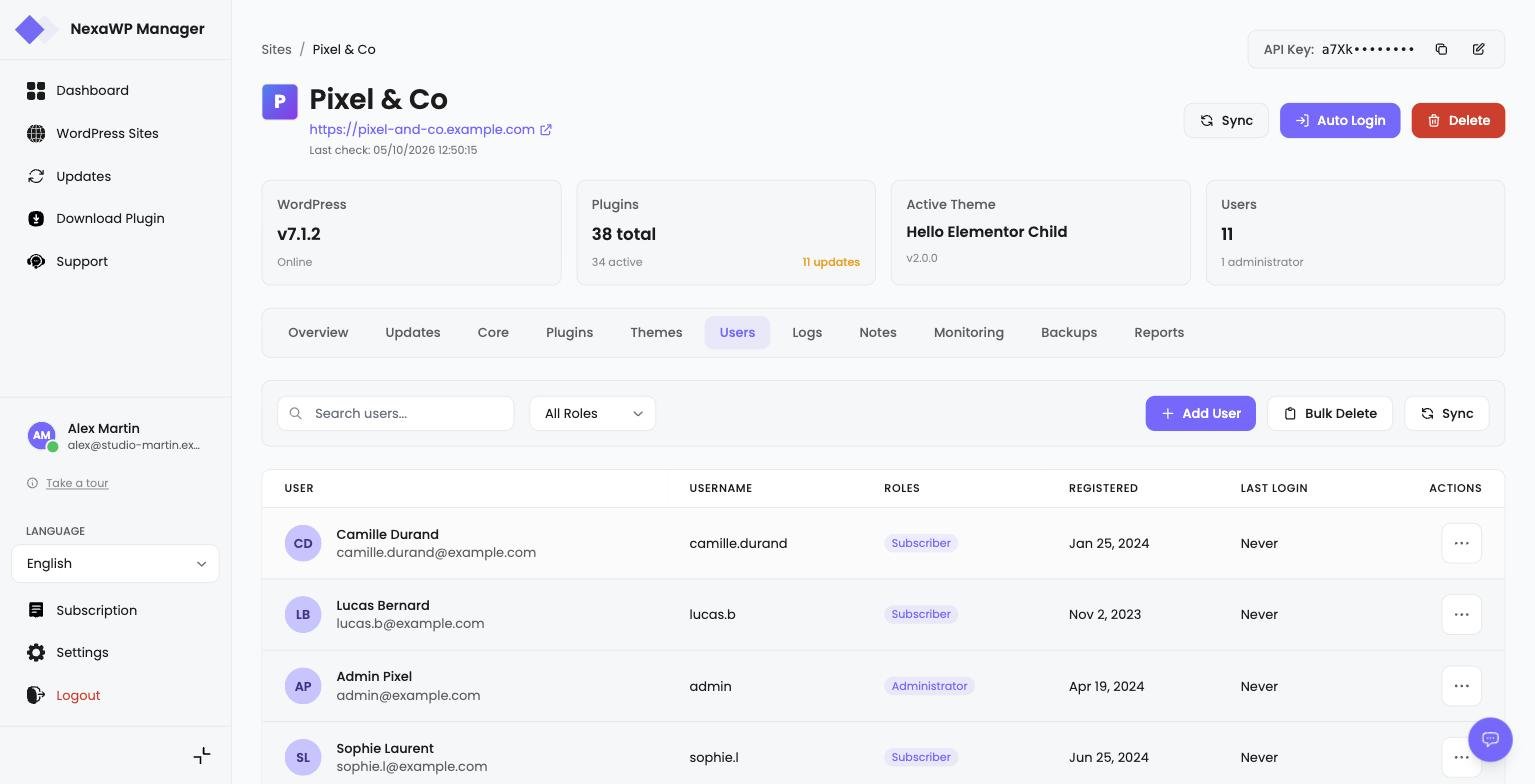
Screenshot - User management
Available WordPress Roles
Notes Management
Add notes for each site to track important tasks, changes made and key information. An essential tool to organize your work.
Add Note
Create a new note by filling in the title and content. Set a category, priority and optionally a reminder date.
Edit Note
Edit existing notes by clicking the edit icon. Update the title, content, category or associated dates.
Delete Note
Delete a note by clicking the delete icon. This action is permanent and cannot be undone.
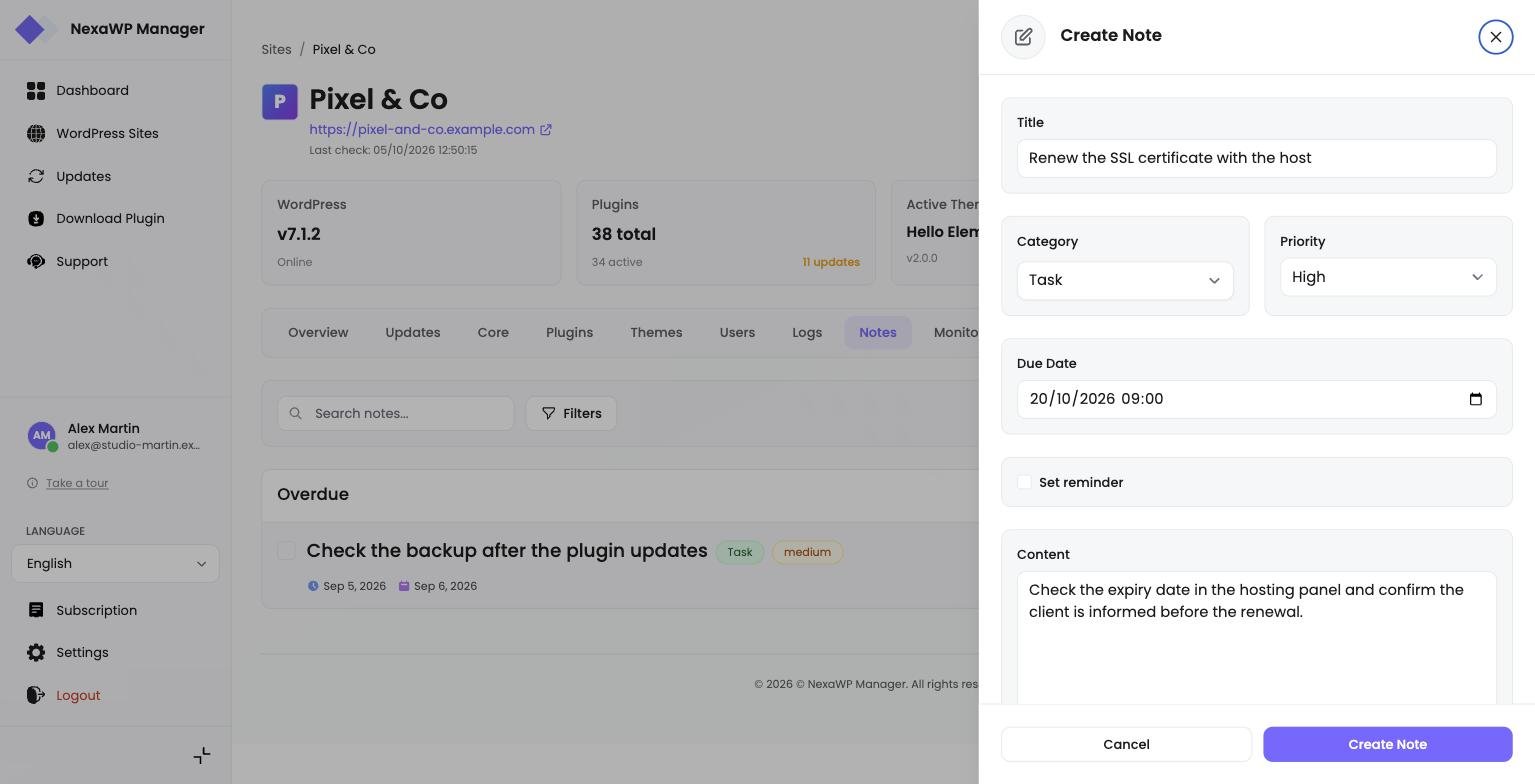
Screenshot - Notes management
Notes Features
Fleet updates
The "Updates" page gathers every pending update across your sites. You work by site or by module, with search and pagination, and each update runs in the background on our servers.
Frequently Asked Questions
Have a question?
Our team is here to help you. Feel free to contact us for any technical question or suggestion.
Contact UsReady to start?
Simplify your WordPress sites management
Centralize the management of all your WordPress sites with NexaWP Manager.